
Welcome to PhoneLine+, your cloud-based telephony solution.
Starting the registration process: your welcome email
Once PhoneLine+ has been provisioned, your service provider will send you a welcome email inviting you to start the registration process.
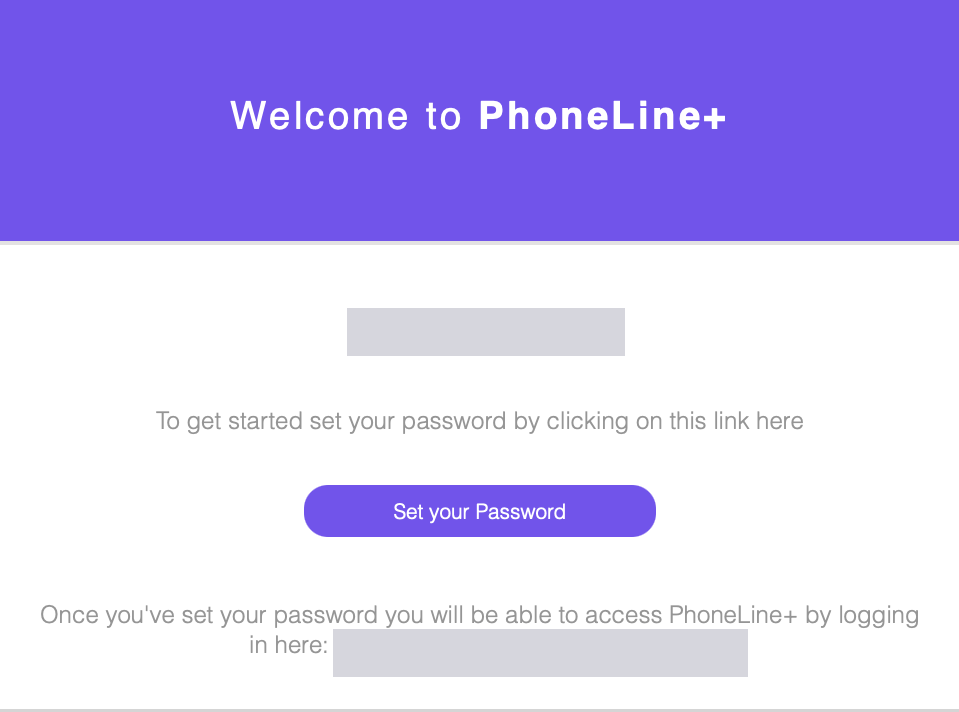
Please click the registration link and follow the registration process on a PC, laptop, or MAC and NOT your mobile device.
The welcome link in your email is valid for 30 days. If it is not clicked within this timeframe, you will need to request a new one from your service provider.
If you have not received an email:
- Check your email account’s spam/junk folder
- Check your provider has the correct email address for you
- Ask your provider to re-send the invitation.
Setting your password
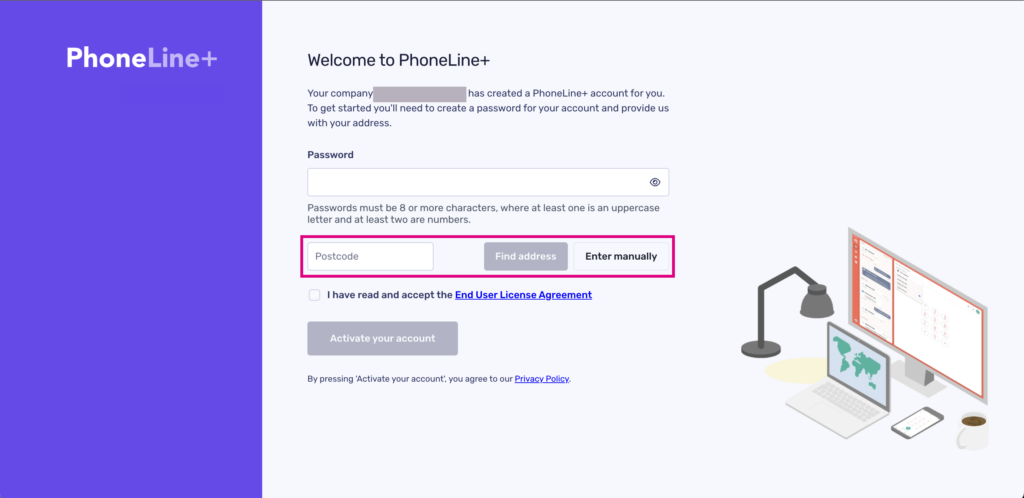
You need to create a password to use for your PhoneLine+ login. This password must be:
- 8 or more characters; And
- Contain letters and at least one number.
Provide your address for emergency services
Your address is needed for the purpose of emergency services. If your address is not presented in the dropdown list, you can edit this manually.
Download your PhoneLine+ app
Once you have created a password, you will have the choice to either use the web application or download the desktop version.
The app is cloud-based and available on desktop, Android, and iOS. Features are consistent across all devices, with only slight differences in layout design to account for screen size and responsiveness.
For web and desktop app downloads:
- Desktop app download: Download the PhoneLine+ desktop app. The desktop app allows you to download a program to your computer. The desktop app is available for Mac OS and Windows. If you click the ‘Download our Desktop App’ button, the correct version for your computer will begin downloading.
- Web app download: Access PhoneLine+ web app. The web app allows you to use PhoneLine+ within your web browser (e.g. Edge, Safari, or Chrome). You can bookmark the PhoneLine+ URL for easy access in the future. Firefox is not supported.
For mobile downloads:
- iOS app download: the iOS PhoneLine+ app can be downloaded from the Apple App Store.
- Android app download: the Android PhoneLine+ app can be downloaded from Google Play.
Troubleshooting
If you can’t download the app:
If you are not able to download the PhoneLine+ app for your mobile device, please check the following:
- Your device has a current and up-to-date iOS or Android operating system installed. We recommend iOS version 13 and above or Android 10 to ensure compatibility.
- If you are still having issues with this feature, please contact your Service Provider.
If you can’t download the PhoneLine+ desktop app on your computer:
Check the following:
- Check you have a current and up-to-date Windows or Mac operating system installed on your computer.
- You have the correct level of permission on your computer to be able to download and install applications from the internet.
- Your company does not restrict the downloading or installation of applications onto your computer.
If you can’t access PhoneLine+ from the web:
- Please check that you are using the latest, up-to-date browser for Edge, Safari, or Chrome. Please view the ‘Minimum system requirements’ page
- Remember, Firefox is not supported by PhoneLine+ on the web.