
If you have forgotten your password, you can easily reset it through the login screen.
Forgotten password (desktop view)

Forgotten password (mobile view)
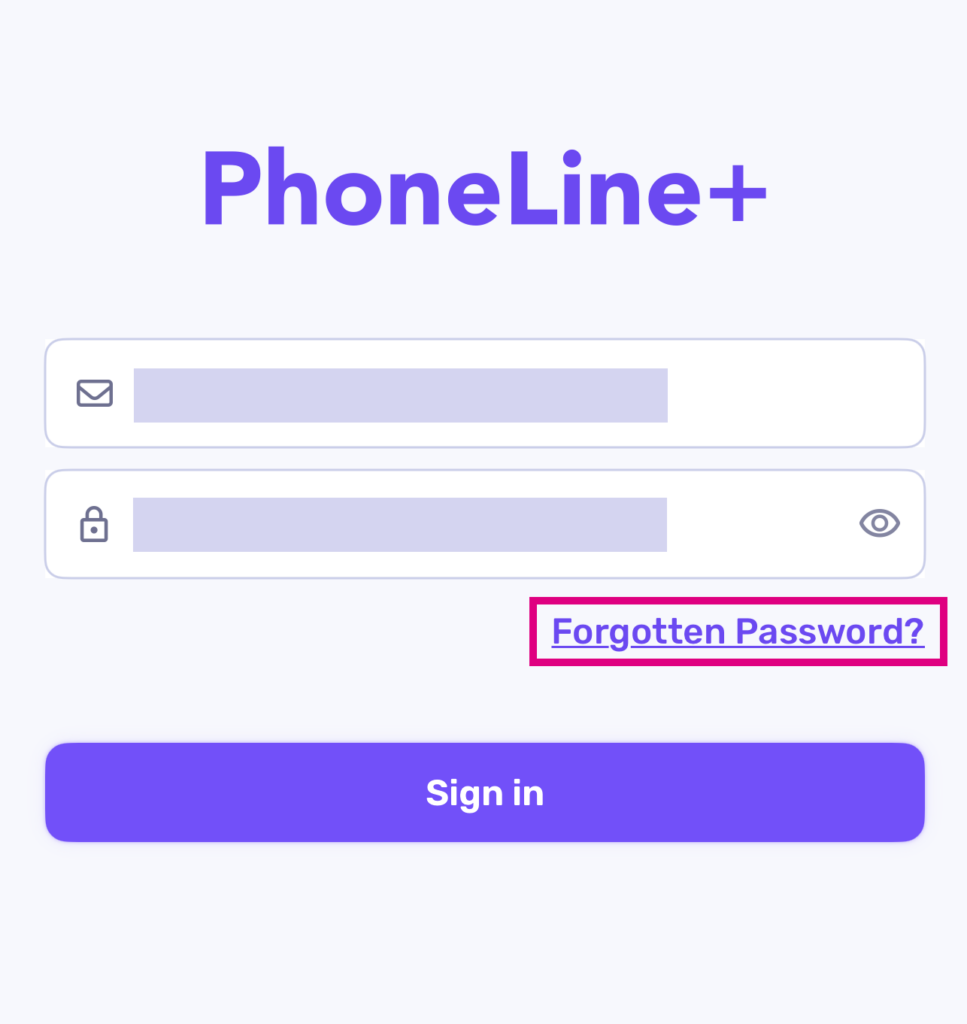
Upon requesting a password reset, you will receive an email containing a link to create a new password.
Request password reset
- On the login page click Forgotten Password?
- Enter your PhoneLine+ Username or Email (or Email, if resetting your password on a mobile app)
- Click ‘Send reset email’
- A password reset email will be delivered to the email address associated with your PhoneLine+ account.