
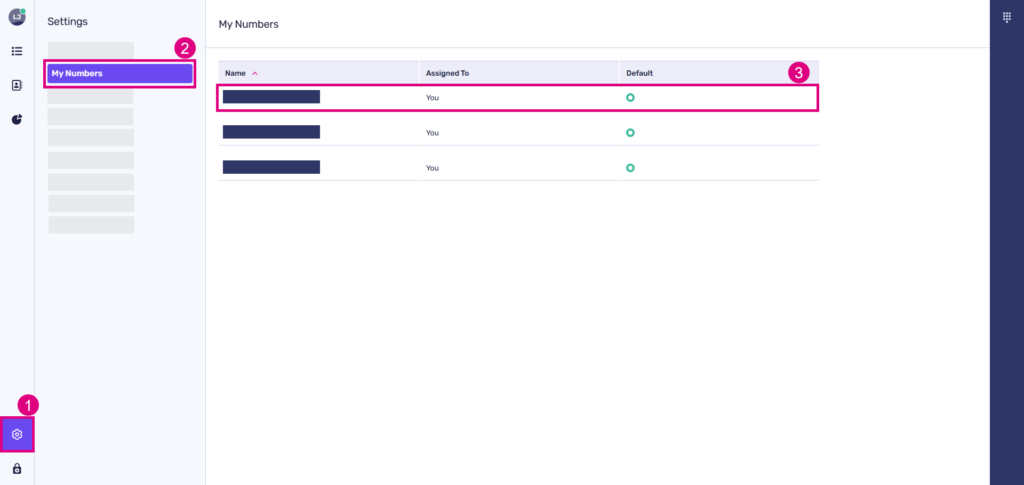
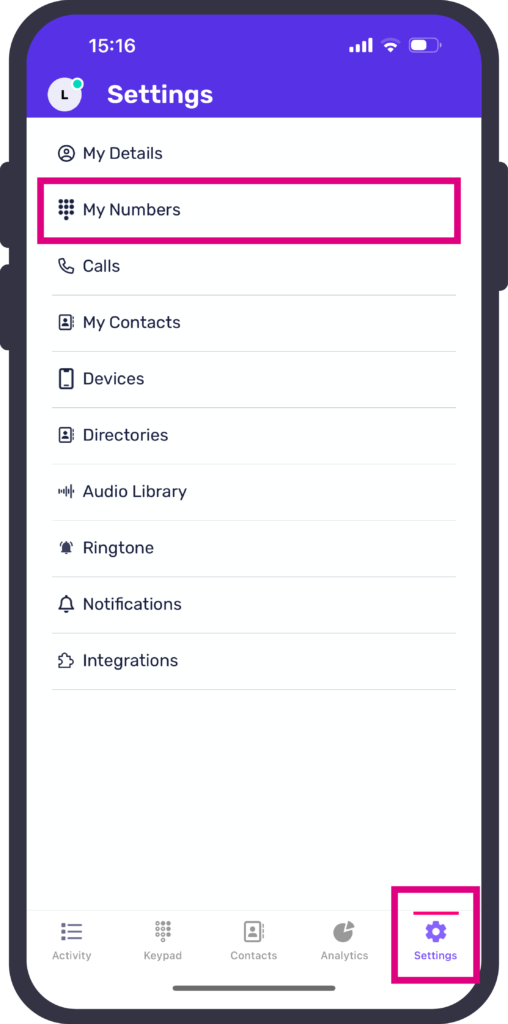
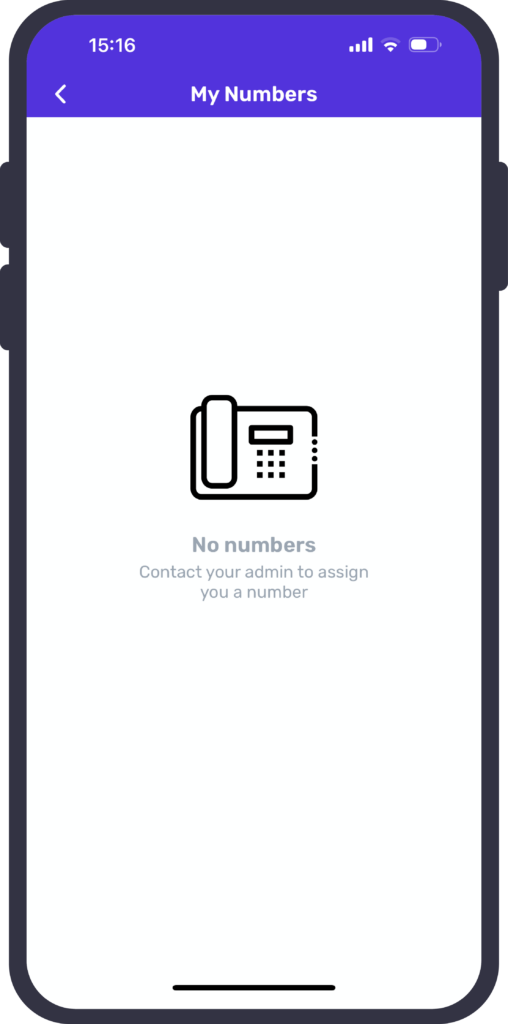
You can view and update your numbers within ‘My numbers’ in your PhoneLine+ settings, including selecting your default number to make calls from.
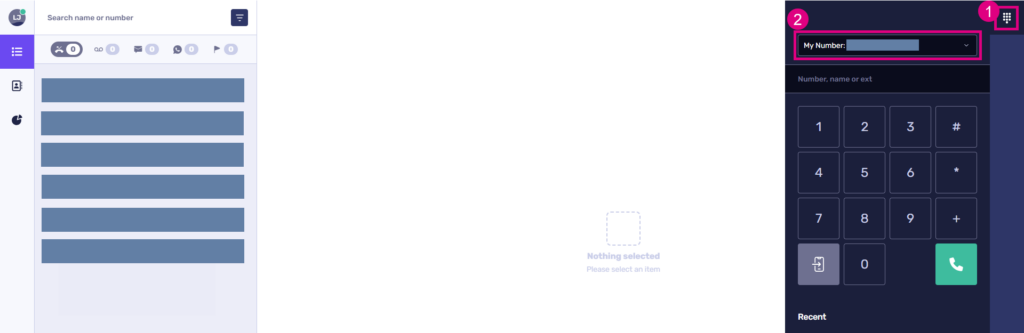
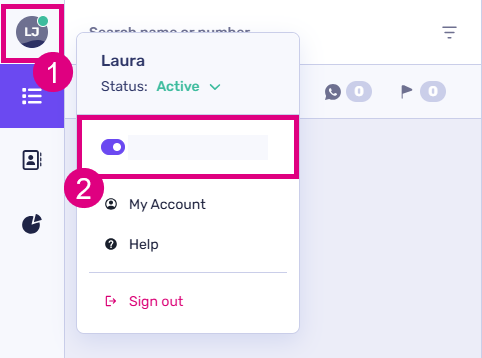
 Choose a number to call from (desktop)
show more
Choose a number to call from (mobile)
show more
Troubleshooting
If your calls are not being made from the correct number, please check the following:
- The number at the top of your dial pad screen displays the number you wish to make the call from. If this is not the case you may be able to select the correct number from the drop down list
- You have selected the default number that you wish to make calls from on the ‘My Numbers’ page (only applies if more than one number has been assigned to you).
If you cannot find the correct number…
If you do not see the number you wish to make a call from within the drop down list available, please check the following:
- The number has been added to your PhoneLine+ account by an administrator within your company
- The number has been assigned to you.
If you are still having issues with this feature, please contact your administrator or service provider.